
Guide
Best Standing Desks for Home Offices
Compare electric standing desks for home offices, small rooms, laptop setups, monitor depth, cable slack, stability, and daily sit-stand routines.
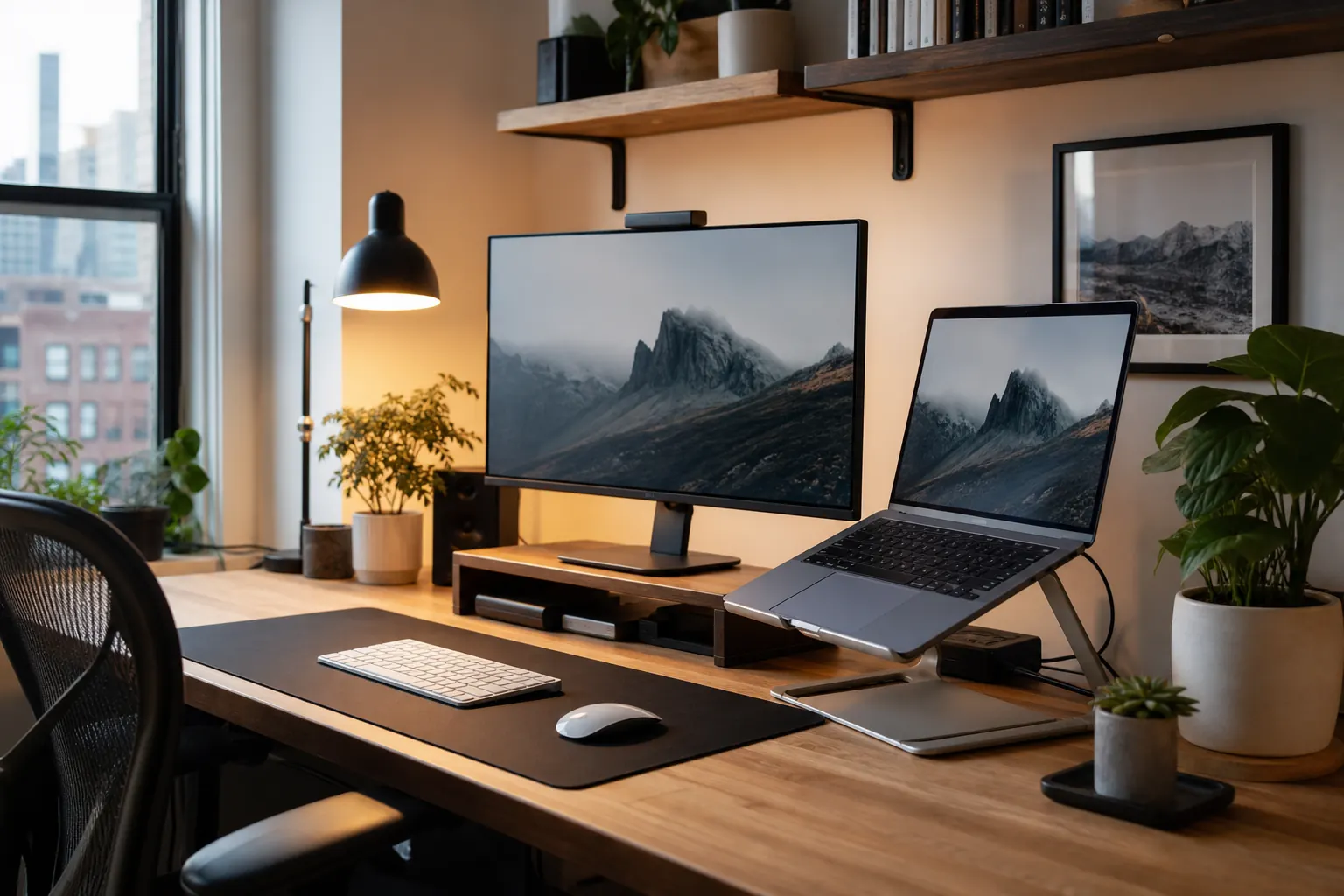
Work-from-home gear for real desks
Focused buying notes for posture, lighting, cable clutter, video calls, laptop ergonomics, and everyday productivity.
Buying guides
Compare electric standing desks for home offices, small rooms, laptop setups, monitor depth, cable slack, stability, and daily sit-stand routines.

Compare ergonomic office chairs for home offices by lumbar support, adjustability, mesh comfort, seat fit, and long workday posture.

Compare monitor arms and dual monitor mounts for desk space, eye-level alignment, VESA support, clamp fit, and wobble control.

Compare desk lamps, monitor light bars, clamp lamps, brightness control, color temperature, and small-desk lighting for home offices.

Compare webcams and USB microphones for remote meetings, video clarity, voice quality, privacy covers, lighting needs, and desk footprint.

Compare productivity keyboards, mechanical keyboards, ergonomic mice, wrist rests, typing feel, noise, desk space, and multi-device workflows.

Compare laptop stands for home offices, fixed desks, portable work, eye-level screens, ventilation, external keyboard use, and travel setups.

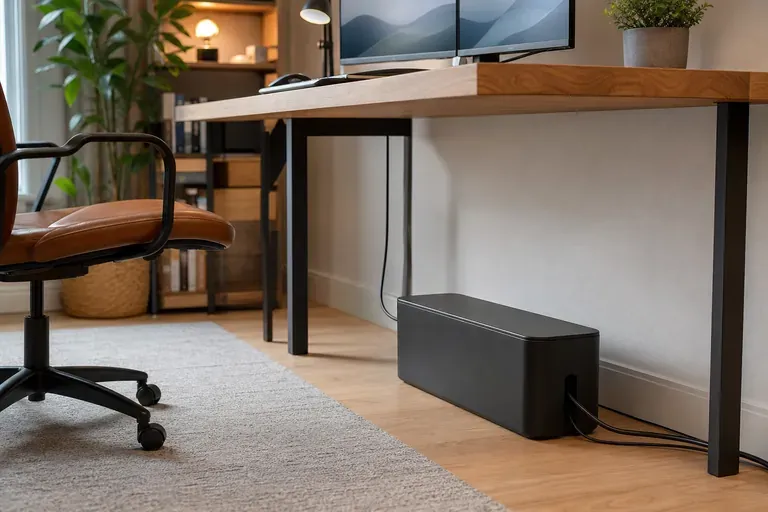
Compare cable boxes, cable raceways, under-desk trays, clips, and ties for cleaner desk setups, chargers, power strips, and monitor cables.

Compare useful home office accessories including docks, foot rests, desk pads, anti-fatigue mats, desk shelves, and practical comfort upgrades.
Editorial articles
Fresh home-office articles focused on ergonomics, cable control, desk lighting, and small-space setup decisions.
How to set standing desk height for typing, monitor position, cable slack, anti-fatigue mats, and daily sit-stand rhythm.
A practical monitor arm cable guide covering slack loops, USB hubs, power bricks, clamp clearance, and dual-monitor cable routing.
Chair adjustment guide for seat height, depth, lumbar support, armrests, footrests, and when a new office chair actually makes sense.
Desk lighting tips for monitor light bars, desk lamps, webcam calls, glare control, color temperature, and small workspaces.
Keyboard and mouse comfort guide covering desk height, wrist rests, compact keyboards, mouse shape, desk pads, and daily strain.
Product notes
Short, practical pages with fit, setup, use-case, and alternative notes.
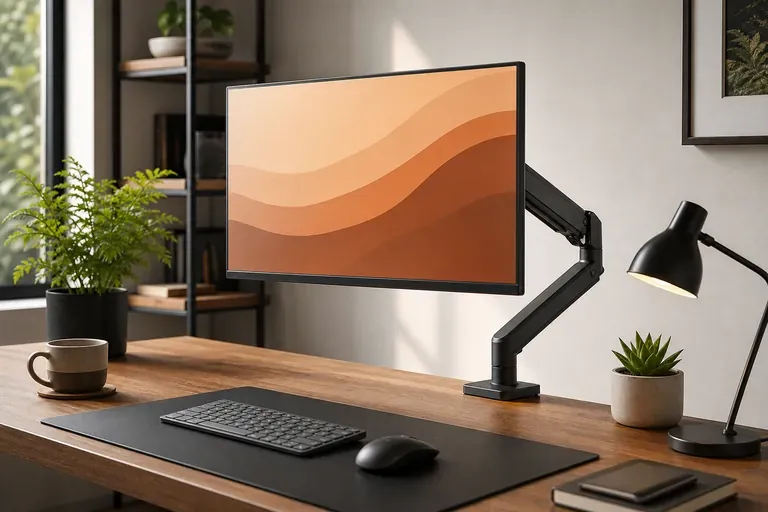
Home-office users who want a sharper 27-inch USB-C monitor as the center of a cleaner desk. A premium 4K office monitor makes sense when text clarity, USB-C docking, and long writing or spreadsheet sessions matter.
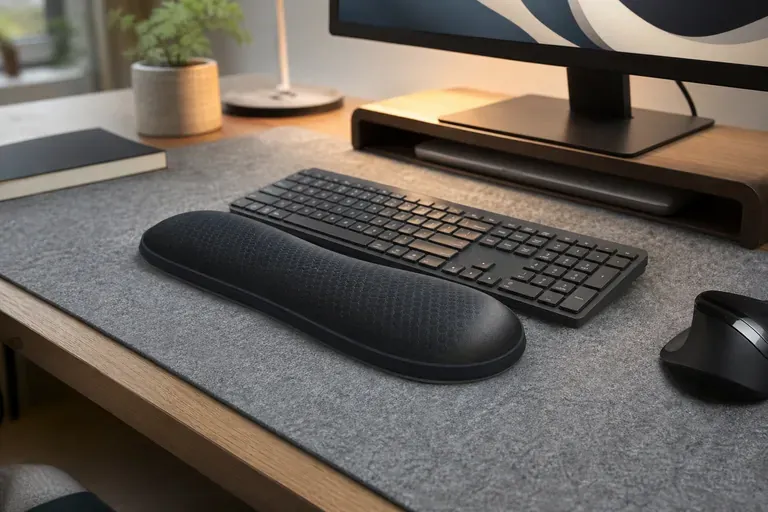
Remote workers who spend enough time on video calls to justify a clearer camera. A better webcam is one of the fastest upgrades if laptop camera quality makes calls look dim or soft.
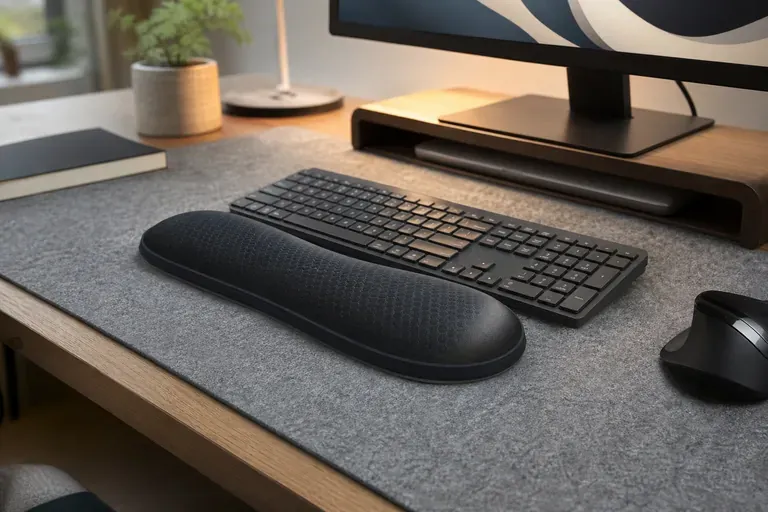
Creators and meeting-heavy workers who want cleaner voice audio without an XLR setup. A dedicated USB mic can make calls, recordings, and webinars sound calmer and more professional.
Power users who want one-cable docking for monitors, storage, Ethernet, and desk accessories. A serious dock is expensive, but it can remove a lot of daily cable friction from a main workstation.

Home-office users who want a budget electric standing desk for a laptop and monitor setup. Strong for buyers comparing desk fit, setup complexity, and everyday comfort.

Buyers who want a sturdier desk feel and a cleaner premium look. Strong for buyers comparing desk fit, setup complexity, and everyday comfort.

Budget buyers building a first sit-stand desk setup. Strong for buyers comparing desk fit, setup complexity, and everyday comfort.

Long workdays where chair support, adjustability, and breathable mesh matter most. Strong for buyers comparing desk fit, setup complexity, and everyday comfort.

Workers who want serious adjustability without jumping to the highest chair prices. Strong for buyers comparing desk fit, setup complexity, and everyday comfort.

Home offices that need a clean-looking ergonomic chair at a moderate price. Strong for buyers comparing desk fit, setup complexity, and everyday comfort.

Single-monitor setups where smooth adjustment and long-term stability matter. Strong for buyers comparing desk fit, setup complexity, and everyday comfort.

Dual-monitor users who want an affordable arm setup with basic adjustment. Strong for buyers comparing desk fit, setup complexity, and everyday comfort.

Budget single-monitor setups that still need height adjustment. Strong for buyers comparing desk fit, setup complexity, and everyday comfort.

Desk setups that need focused light without taking surface space. Strong for buyers comparing desk fit, setup complexity, and everyday comfort.