Buying guide
Best Cable Management for Clean Desk Setups
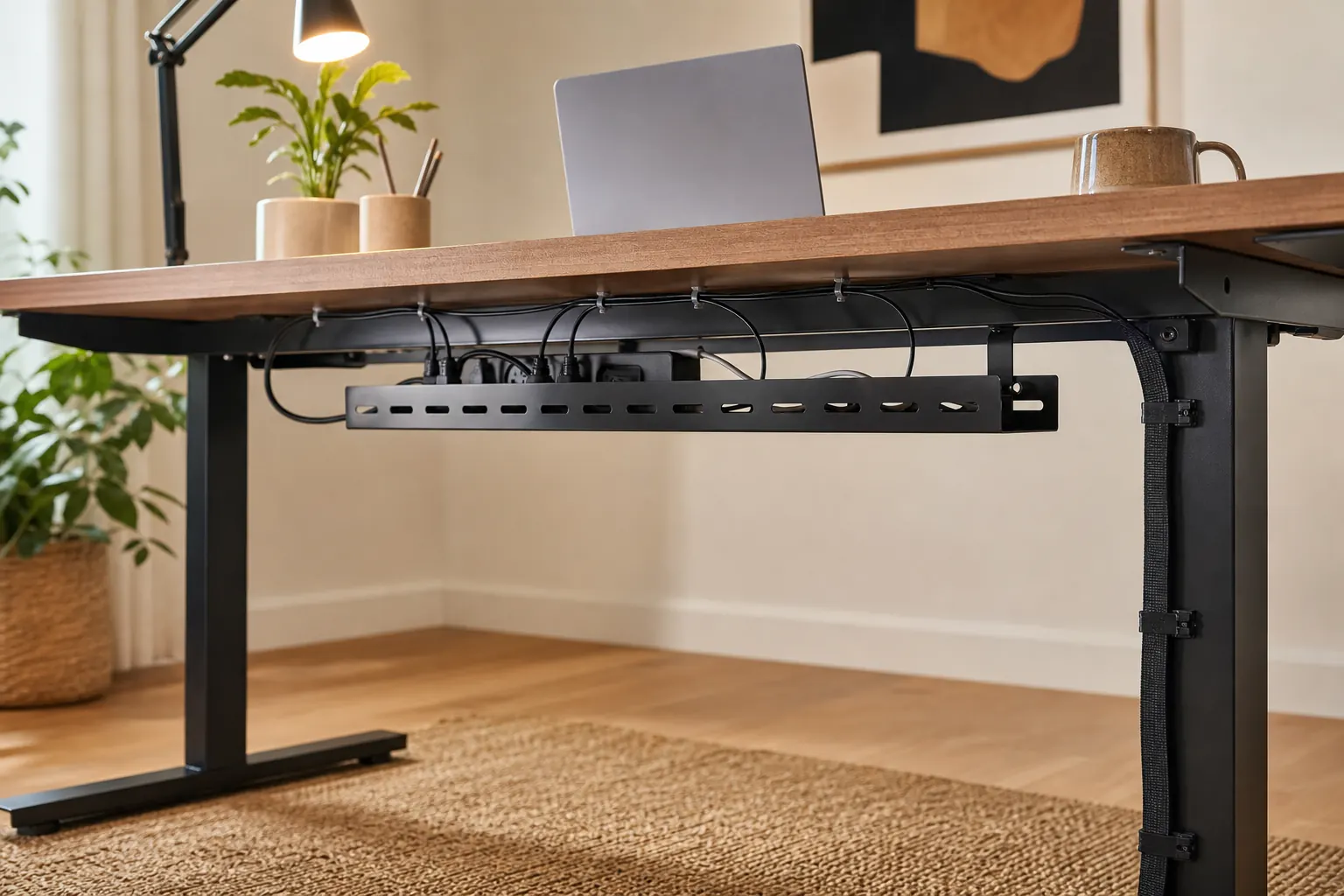
Cable management is easiest before every device is plugged in. Start with power strip location, then route monitor, laptop, and charger cables around that plan.
Quick picks

BlueLounge CableBox
Desks with power strips and charger clutter visible on the floor or tabletop.
Anker 675 USB-C Docking Station
Laptop desks that need one-cable charging, display, and accessory connection.
Compare the picks
| Product | Best for | Skip if | Retailer |
|---|---|---|---|
| BlueLounge CableBox | Desks with power strips and charger clutter visible on the floor or tabletop. | Does not shorten cables | Amazon |
| J Channel Cable Raceway | Desk users who want cables routed along the underside or wall edge. | Adhesive quality matters | Amazon |
| Anker 675 USB-C Docking Station | Laptop desks that need one-cable charging, display, and accessory connection. | Confirm laptop charging wattage | Amazon |
How to choose
- Hide power strips before routing small cables.
- Use raceways for semi-permanent desk routes.
- Leave slack for standing desks.
- Label chargers if multiple devices share a desk.
Detailed notes
BlueLounge CableBox
A cable box is a simple visual cleanup tool for power strips and bulky adapters.
Reasons to consider
- Hides power strip clutter
- Simple no-install solution
- Works under or beside desks
Check before buying
- Does not shorten cables
- Ventilation matters for warm adapters
- Large adapters need enough room
Compare with: Cable raceway, Under-desk tray, Velcro cable ties.
Check AmazonJ Channel Cable Raceway
Cable raceways are more permanent than ties and make the biggest difference behind monitors.
Reasons to consider
- Keeps cables off the floor
- Good for monitor and power routes
- Cleaner wall or desk edge
Check before buying
- Adhesive quality matters
- Plan cable routes first
- Harder to move later
Compare with: BlueLounge CableBox, Cable clips, Under-desk tray.
Check AmazonAnker 675 USB-C Docking Station
A dock helps turn a laptop into a stable workstation instead of a tangle of adapters.
Reasons to consider
- Simplifies laptop connection
- Can reduce cable clutter
- Useful for external monitors
Check before buying
- Confirm laptop charging wattage
- Check monitor output support
- Docks can run warm
Compare with: UGREEN USB-C hub, Thunderbolt dock, Simple USB-C adapter.
Check AmazonFAQ
What should I upgrade first in a home office?
Start with the product that fixes the daily problem you feel most often: chair comfort, screen height, cable clutter, lighting, or video-call quality.
Should I buy the premium option first?
Not always. Premium gear makes sense for all-day work, but budget products can be enough for occasional home-office use.