Buying guide
Best Webcams and USB Microphones for Calls
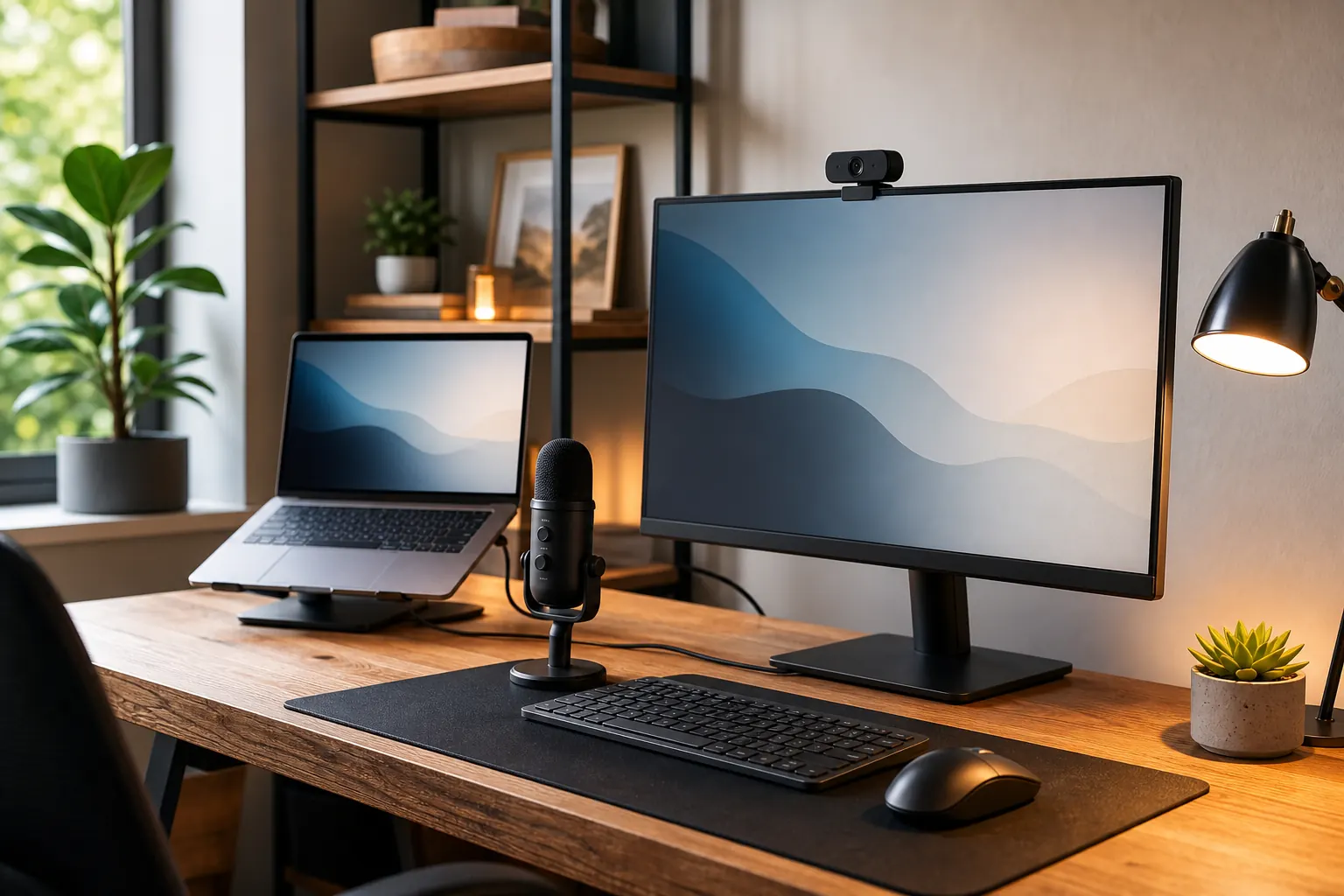
Video-call upgrades work best when you treat camera, lighting, and microphone as one system. A better webcam helps, but sound and lighting often matter more than resolution alone.
Quick picks

Logitech C920x HD Pro Webcam
Remote workers who need a reliable webcam upgrade over laptop cameras.
Anker PowerConf C200 Webcam
Users who want sharper video and privacy cover features for frequent calls.
Shure MV5C USB Microphone
Video calls where voice clarity matters more than podcast-style looks.
Compare the picks
| Product | Best for | Skip if | Retailer |
|---|---|---|---|
| Logitech C920x HD Pro Webcam | Remote workers who need a reliable webcam upgrade over laptop cameras. | Lighting still matters | Amazon |
| Anker PowerConf C200 Webcam | Users who want sharper video and privacy cover features for frequent calls. | Higher resolution needs good lighting | Amazon |
| Shure MV5C USB Microphone | Video calls where voice clarity matters more than podcast-style looks. | Still needs good placement | Amazon |
How to choose
- Lighting matters even with a good webcam.
- Place microphones close enough for clear voice.
- Privacy covers are useful for permanent setups.
- Avoid large microphones if desk space is tight.
Detailed notes
Logitech C920x HD Pro Webcam
A familiar webcam pick for video calls when consistency matters more than advanced creator features.
Reasons to consider
- Reliable 1080p video for calls
- Simple mounting on monitors
- Works with common meeting apps
Check before buying
- Lighting still matters
- Built-in mic is not a dedicated mic replacement
- Newer 2K webcams may look sharper
Compare with: Anker PowerConf C200, Laptop camera plus light, 4K webcam.
Check AmazonAnker PowerConf C200 Webcam
A strong webcam upgrade when you want clearer calls and more control than older 1080p webcams.
Reasons to consider
- 2K resolution can improve clarity
- Privacy cover is practical
- Good for frequent video meetings
Check before buying
- Higher resolution needs good lighting
- Check software compatibility
- May be overkill for rare calls
Compare with: Logitech C920x, 4K webcam, Phone-as-webcam setup.
Check AmazonShure MV5C USB Microphone
A compact USB microphone can make calls sound more professional without taking over the desk.
Reasons to consider
- Compact desk footprint
- Improves voice clarity
- Simple USB connection
Check before buying
- Still needs good placement
- Background noise can remain an issue
- Costs more than headset mics
Compare with: Blue Yeti, USB headset, Webcam microphone.
Check AmazonFAQ
What should I upgrade first in a home office?
Start with the product that fixes the daily problem you feel most often: chair comfort, screen height, cable clutter, lighting, or video-call quality.
Should I buy the premium option first?
Not always. Premium gear makes sense for all-day work, but budget products can be enough for occasional home-office use.