Buying guide
Best Desk Lamps and Monitor Lights
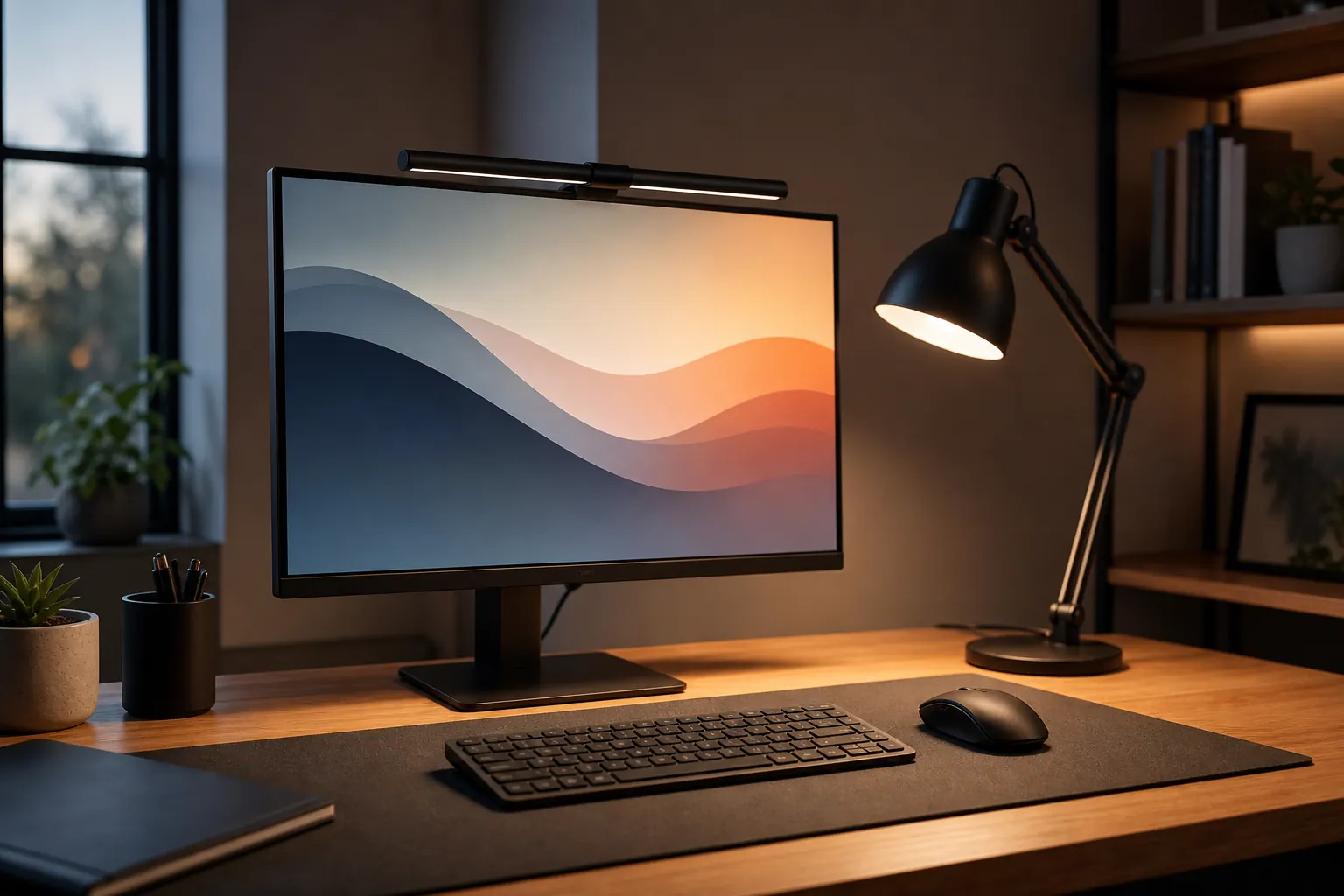
Good desk lighting reduces eye strain and makes a setup feel more deliberate. The best format depends on whether you need surface light, video-call light, or a lamp that does not take desk space.
Quick picks

BenQ ScreenBar Monitor Light
Desk setups that need focused light without taking surface space.
EppieBasic LED Desk Lamp
Wide desks that need even light across keyboard, notebook, and work surface.
Anker PowerConf C200 Webcam
Users who want sharper video and privacy cover features for frequent calls.
Compare the picks
| Product | Best for | Skip if | Retailer |
|---|---|---|---|
| BenQ ScreenBar Monitor Light | Desk setups that need focused light without taking surface space. | May not fit every monitor shape | Amazon |
| EppieBasic LED Desk Lamp | Wide desks that need even light across keyboard, notebook, and work surface. | Clamp needs desk edge clearance | Amazon |
| Anker PowerConf C200 Webcam | Users who want sharper video and privacy cover features for frequent calls. | Higher resolution needs good lighting | Amazon |
How to choose
- Use a light bar when desk space is tight.
- Choose wide lamps for notebooks and paperwork.
- Adjustable color temperature helps evening work.
- Avoid glare directly on the monitor.
Detailed notes
BenQ ScreenBar Monitor Light
A monitor light bar can clean up a small desk while improving keyboard and notebook visibility.
Reasons to consider
- Does not occupy desk surface
- Good for monitor-based work
- Reduces need for a side lamp
Check before buying
- May not fit every monitor shape
- Curved monitors need extra checking
- Premium price for a light
Compare with: EppieBasic light bar, Swing-arm desk lamp, LED desk lamp.
Check AmazonEppieBasic LED Desk Lamp
A wide LED lamp is useful when your desk doubles as a work and reading area.
Reasons to consider
- Covers more surface than small lamps
- Adjustable brightness helps evening work
- Clamp design saves desk space
Check before buying
- Clamp needs desk edge clearance
- Large lamps can dominate small desks
- Check color temperature controls
Compare with: BenQ ScreenBar, Small task lamp, Floor lamp.
Check AmazonAnker PowerConf C200 Webcam
A strong webcam upgrade when you want clearer calls and more control than older 1080p webcams.
Reasons to consider
- 2K resolution can improve clarity
- Privacy cover is practical
- Good for frequent video meetings
Check before buying
- Higher resolution needs good lighting
- Check software compatibility
- May be overkill for rare calls
Compare with: Logitech C920x, 4K webcam, Phone-as-webcam setup.
Check AmazonFAQ
What should I upgrade first in a home office?
Start with the product that fixes the daily problem you feel most often: chair comfort, screen height, cable clutter, lighting, or video-call quality.
Should I buy the premium option first?
Not always. Premium gear makes sense for all-day work, but budget products can be enough for occasional home-office use.