Buying guide
Best Keyboards and Mice for Productivity Desks
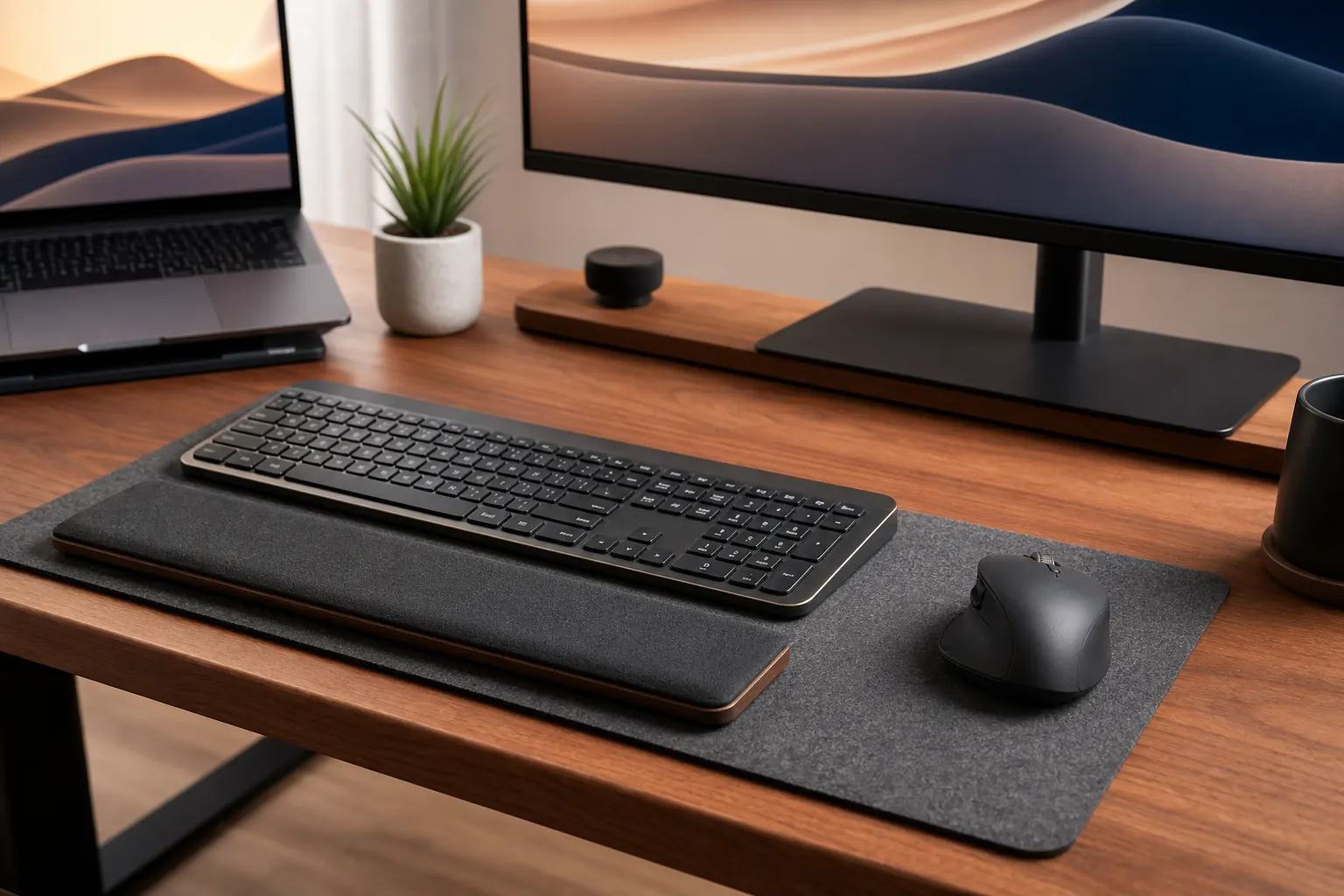
Keyboard and mouse choices affect daily comfort more than most desk accessories. Match layout, noise, hand size, and workflow before choosing a popular model.
Quick picks

Logitech MX Keys S Keyboard
Quiet productivity setups where low-profile typing and multi-device support matter.
Keychron K2 Mechanical Keyboard
Users who want a compact mechanical keyboard for typing-heavy work.
Logitech MX Master 3S Mouse
Productivity users who scroll through documents, spreadsheets, and browser tabs all day.
Compare the picks
| Product | Best for | Skip if | Retailer |
|---|---|---|---|
| Logitech MX Keys S Keyboard | Quiet productivity setups where low-profile typing and multi-device support matter. | Not a mechanical typing feel | Amazon |
| Keychron K2 Mechanical Keyboard | Users who want a compact mechanical keyboard for typing-heavy work. | Switch choice changes noise | Amazon |
| Logitech MX Master 3S Mouse | Productivity users who scroll through documents, spreadsheets, and browser tabs all day. | Large shape is not for every hand | Amazon |
How to choose
- Quiet keyboards are better for shared spaces.
- Compact layouts free mouse space.
- Mouse shape matters more than feature count.
- Consider wrist height with taller keyboards.
Detailed notes
Logitech MX Keys S Keyboard
A polished productivity keyboard for people who want reliable typing without a loud mechanical board.
Reasons to consider
- Quiet low-profile typing
- Multi-device workflow support
- Clean office look
Check before buying
- Not a mechanical typing feel
- Recharge habit required
- Full-size layout needs desk width
Compare with: Keychron K2, Apple Magic Keyboard, Budget wireless keyboard.
Check AmazonKeychron K2 Mechanical Keyboard
A popular compact mechanical board for people who care about typing feel and desk space.
Reasons to consider
- Compact layout saves space
- Mechanical feel for long typing sessions
- Works in many desk aesthetics
Check before buying
- Switch choice changes noise
- Tall keycaps may need a wrist rest
- Bluetooth setups can vary
Compare with: Logitech MX Keys S, Keychron K3, Low-profile keyboard.
Check AmazonLogitech MX Master 3S Mouse
A strong productivity mouse for people who value comfort, scrolling, and shortcut control.
Reasons to consider
- Comfortable shape for many hands
- Excellent scroll wheel workflow
- Useful programmable controls
Check before buying
- Large shape is not for every hand
- Premium mouse price
- Right-handed design
Compare with: Logitech Lift, Trackball mouse, Basic wireless mouse.
Check AmazonFAQ
What should I upgrade first in a home office?
Start with the product that fixes the daily problem you feel most often: chair comfort, screen height, cable clutter, lighting, or video-call quality.
Should I buy the premium option first?
Not always. Premium gear makes sense for all-day work, but budget products can be enough for occasional home-office use.