Buying guide
Best Monitor Arms for Cleaner Desk Setups
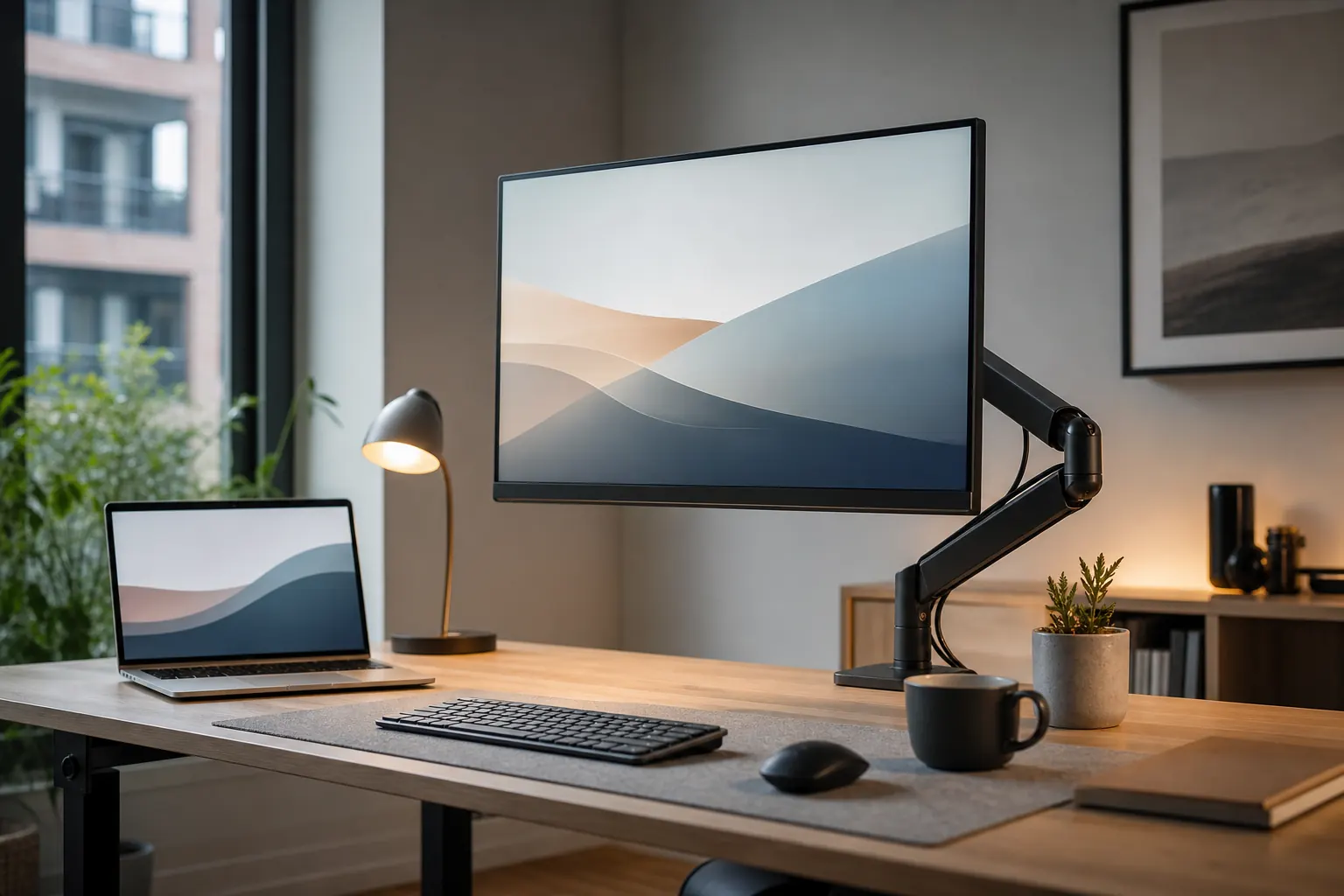
A monitor arm can free desk space and improve screen height, but only if it matches your monitor weight, VESA mount, and desktop edge.
Quick picks

Ergotron LX Monitor Arm
Single-monitor setups where smooth adjustment and long-term stability matter.
VIVO Dual Monitor Desk Mount
Dual-monitor users who want an affordable arm setup with basic adjustment.
Compare the picks
| Product | Best for | Skip if | Retailer |
|---|---|---|---|
| Ergotron LX Monitor Arm | Single-monitor setups where smooth adjustment and long-term stability matter. | Check monitor weight range | Amazon |
| VIVO Dual Monitor Desk Mount | Dual-monitor users who want an affordable arm setup with basic adjustment. | Check each monitor weight | Amazon |
| HUANUO Single Monitor Arm | Budget single-monitor setups that still need height adjustment. | Verify VESA mount support | Amazon |
How to choose
- Confirm monitor weight and VESA pattern.
- Check desk edge clearance for the clamp.
- Use premium arms for heavier screens.
- Plan cable routing through the arm.
Detailed notes
Ergotron LX Monitor Arm
A strong monitor arm choice if you adjust screen position often and do not want a wobbly budget arm.
Reasons to consider
- Smooth height and depth adjustment
- Reliable for many desk setups
- Helps reclaim desk surface
Check before buying
- Check monitor weight range
- Clamp needs a compatible desktop edge
- Costs more than basic arms
Compare with: HUANUO monitor arm, VIVO monitor stand, Fixed monitor riser.
Check AmazonVIVO Dual Monitor Desk Mount
Useful when desk space is tight and you want two monitors off the desktop without paying premium-arm prices.
Reasons to consider
- Supports many dual-monitor layouts
- Affordable for two screens
- Frees desk space
Check before buying
- Check each monitor weight
- Fine positioning can take time
- Budget arms may transmit more wobble
Compare with: Ergotron LX plus single arm, HUANUO dual arm, Desk shelf.
Check AmazonHUANUO Single Monitor Arm
A practical budget arm when your monitor is within range and you mainly need better eye-level positioning.
Reasons to consider
- Good value for one screen
- Improves eye-level alignment
- Keeps keyboard area clearer
Check before buying
- Verify VESA mount support
- Clamp fit matters
- Heavier screens may need premium arms
Compare with: Ergotron LX, Fixed riser, Dual monitor mount.
Check AmazonFAQ
What should I upgrade first in a home office?
Start with the product that fixes the daily problem you feel most often: chair comfort, screen height, cable clutter, lighting, or video-call quality.
Should I buy the premium option first?
Not always. Premium gear makes sense for all-day work, but budget products can be enough for occasional home-office use.