Buying guide
Best Home Office Accessories for Daily Work
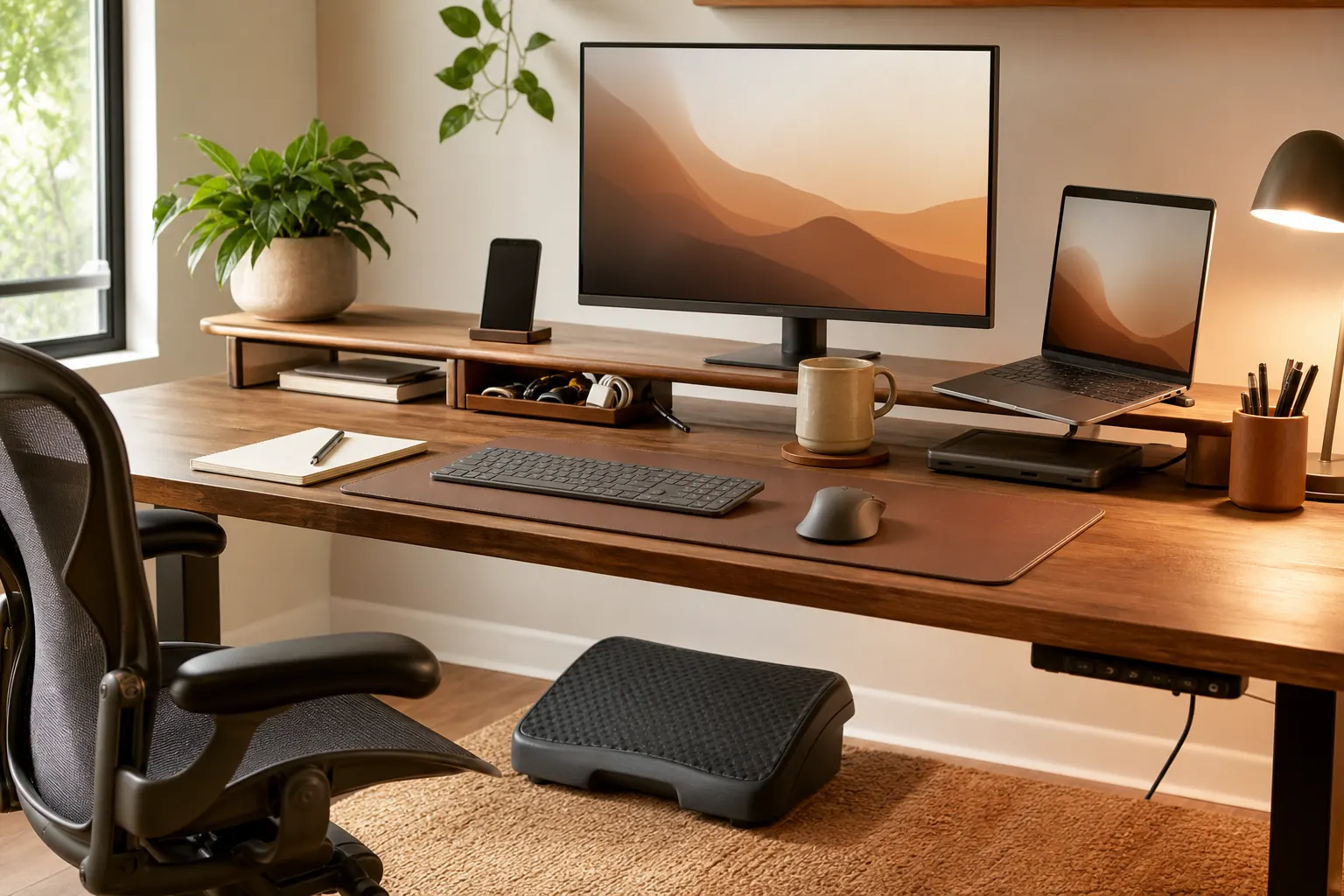
The best accessories solve a specific daily annoyance: sore feet, missing ports, cluttered desktops, or poor monitor height. Avoid buying decor before fixing the workflow.
Quick picks

Anker 675 USB-C Docking Station
Laptop desks that need one-cable charging, display, and accessory connection.
Topo Comfort Mat by Ergodriven
Standing desk users who want foot movement instead of a flat foam mat.
Compare the picks
| Product | Best for | Skip if | Retailer |
|---|---|---|---|
| Anker 675 USB-C Docking Station | Laptop desks that need one-cable charging, display, and accessory connection. | Confirm laptop charging wattage | Amazon |
| Topo Comfort Mat by Ergodriven | Standing desk users who want foot movement instead of a flat foam mat. | Takes floor space | Amazon |
| YSAGi Desk Pad | Desks that need a smoother mouse surface and a cleaner visual zone. | Measure before buying | Amazon |
How to choose
- Buy accessories for real daily friction.
- Prioritize comfort before decoration.
- Measure desk and floor space first.
- Avoid products that add new cable clutter.
Detailed notes
Anker 675 USB-C Docking Station
A dock helps turn a laptop into a stable workstation instead of a tangle of adapters.
Reasons to consider
- Simplifies laptop connection
- Can reduce cable clutter
- Useful for external monitors
Check before buying
- Confirm laptop charging wattage
- Check monitor output support
- Docks can run warm
Compare with: UGREEN USB-C hub, Thunderbolt dock, Simple USB-C adapter.
Check AmazonTopo Comfort Mat by Ergodriven
A contoured mat can make standing sessions feel more active and less static.
Reasons to consider
- Encourages small posture changes
- Useful with standing desks
- More engaging than flat mats
Check before buying
- Takes floor space
- Not needed if you rarely stand
- Shape is personal preference
Compare with: Flat anti-fatigue mat, Foot rest, Standing desk balance board.
Check AmazonYSAGi Desk Pad
A desk pad is a low-cost way to visually anchor a keyboard and mouse setup.
Reasons to consider
- Defines keyboard and mouse area
- Protects desktop surface
- Easy style upgrade
Check before buying
- Measure before buying
- Light colors show stains
- Edges can curl on cheap pads
Compare with: Felt desk mat, Large mouse pad, Bare desktop.
Check AmazonFAQ
What should I upgrade first in a home office?
Start with the product that fixes the daily problem you feel most often: chair comfort, screen height, cable clutter, lighting, or video-call quality.
Should I buy the premium option first?
Not always. Premium gear makes sense for all-day work, but budget products can be enough for occasional home-office use.